Best Treadmill Apps for Strava Sync in 2026
Not every treadmill app uploads to Strava the same way. We compare 6 popular indoor running apps on Strava integration quality — GPS tracks, splits, HR data, and which ones make your treadmill runs look real.
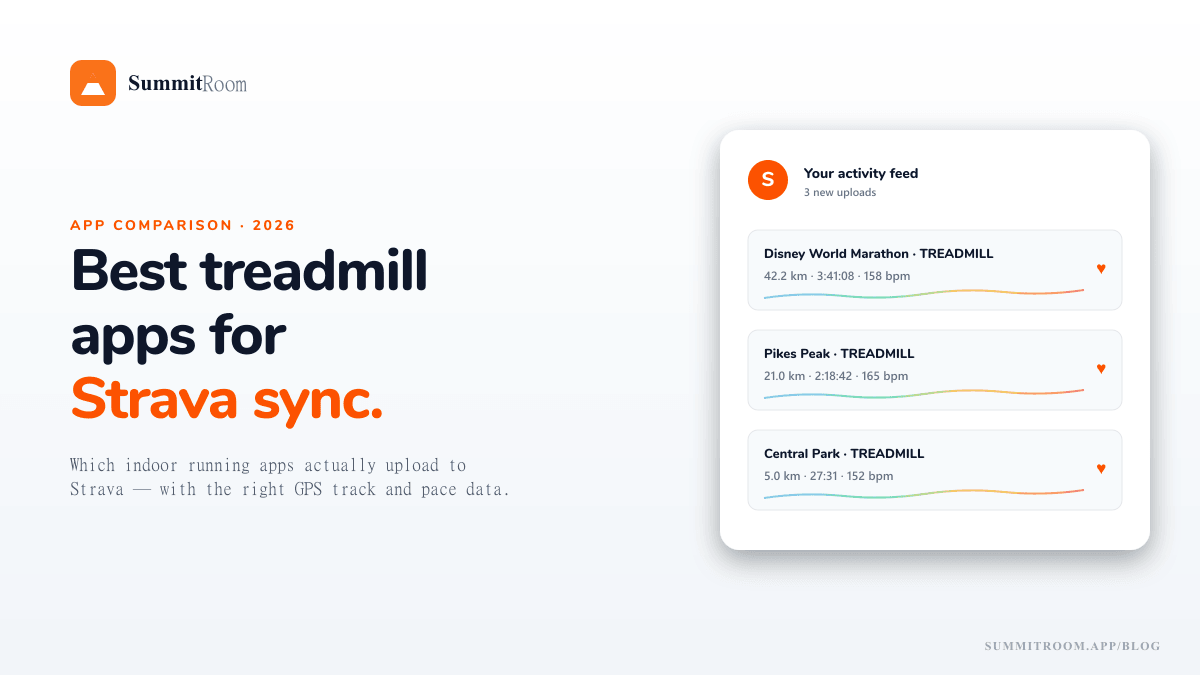
Strava is the social fabric of running. If your treadmill workout doesn't show up in your activity feed, did it actually count?
The catch is that not every treadmill app handles Strava the same way. Some upload a plain "Indoor Run · 5.0 km" with no map, no splits, no kudos-worthy detail. Others upload the actual GPS track of the virtual course you ran, with elevation, pace, and HR data — indistinguishable from a real outdoor run on your feed.
If you care about Strava (and the kudos that come with it), this matters.
What good Strava sync actually looks like
A solid Strava upload from a treadmill app should include:
- A real GPS track matching the virtual route you ran (so Strava draws a map, not a blank tile)
- Elevation profile based on the route's actual terrain
- Pace and HR splits per kilometre / mile
- Activity type set correctly (Treadmill Run, so it doesn't pollute your outdoor mileage)
- Auto-upload within ~minutes of finishing (manual export = 80% of users skip it)
Apps that nail all five feel native to Strava. Apps that miss two or three feel like an afterthought.
The shortlist
1. SummitRoom — $5/mo (free tier available)
What you get on Strava: full GPS track of the virtual route (Disney, Central Park, Pikes Peak, etc.), elevation profile, per-km splits, HR data if you ran with a BLE HRM, marked as Treadmill Run.
Auto-upload: yes, immediate after the run finishes.
Free tier: Strava sync is free — not paywalled.
The honest catch: route library is smaller than some competitors. Strong on bucket-list races; weak on, say, every street in your neighbourhood (use the GPX import for that).
2. Zwift Run — $19.99/mo
What you get on Strava: GPS track of your Watopia loop (the virtual island), elevation, splits, HR. Activity is correctly tagged.
Auto-upload: yes.
The catch: the GPS track is Watopia, not a real place. Strava's segment matching doesn't work the way it does for real-world routes. Some Strava purists feel "weird" about Watopia tracks on their feed. Your mileage may vary (literally).
3. Kinomap — $11.99/mo
What you get on Strava: GPS track of the real-world video route you ran (Kinomap shows actual filmed-by-cyclists video). Elevation, pace, HR included.
Auto-upload: yes.
The catch: Kinomap is video-first, not map-first. Less control over camera angles, no live 3D map.
4. FulGaz — $14.99/mo
What you get on Strava: real-world GPS track from the source video's GPS file. Excellent metadata.
Auto-upload: yes.
The catch: built primarily for cyclists; running support is real but secondary. Library is video-led.
5. Apple Fitness+ Treadmill workouts — $9.99/mo (or in Apple One)
What you get on Strava: …nothing. Apple Fitness+ workouts go to Apple Fitness/Health and only forward to Strava via 3rd-party bridges (HealthFit, RunGap).
Auto-upload: indirect.
The catch: zero GPS, zero map, generic "Indoor Run" entry. If Strava matters to you, this is the worst of the bunch.
6. Your treadmill's built-in app (Peloton Tread, iFit, etc.)
What you get on Strava: varies wildly by brand. Peloton uploads tagged runs with a video thumbnail. iFit uploads with route name. Most do not include a GPS track.
Auto-upload: yes, if you connected Strava in the brand's app.
The catch: you're locked into that brand's content library. The hardware investment is part of the cost.
At-a-glance comparison
| App | GPS track | Elevation | Splits | HR | Auto-upload | Cost |
|---|---|---|---|---|---|---|
| SummitRoom | ✓ real-world | ✓ | ✓ | ✓ | ✓ | $5/mo (free tier) |
| Zwift Run | ✓ Watopia | ✓ | ✓ | ✓ | ✓ | $19.99/mo |
| Kinomap | ✓ real-world | ✓ | ✓ | ✓ | ✓ | $11.99/mo |
| FulGaz | ✓ real-world | ✓ | ✓ | ✓ | ✓ | $14.99/mo |
| Apple Fitness+ | ✗ | ✗ | ~ | ✓ | indirect | $9.99/mo |
| Brand apps (iFit, etc.) | ~ varies | ~ varies | ~ varies | ~ | ✓ | bundled |
Which one should you pick?
It depends on what you want your Strava feed to look like:
"I want my treadmill runs to look exactly like outdoor runs." → SummitRoom, Kinomap, or FulGaz. All three upload real-world GPS tracks that Strava treats normally — including segment matching and trophies.
"I want game-style social runs and don't care about real GPS." → Zwift Run. Strava sync is solid but the Watopia tracks won't earn you any real-world segment trophies.
"I only care that the kilometres get counted." → Apple Fitness+ or your treadmill's built-in app + a bridge service. Strava entries will be bare but the numbers will be right.
Pro tip: privacy zones still apply
Even with a "real-world" GPS track from a virtual run, your Strava privacy zones still apply on upload. So if you have a 200m privacy zone around your home, and you start a Pikes Peak virtual run, the start of the track gets clipped on Strava — even though you were on a treadmill in Connecticut.
This is rarely a problem since virtual routes start where the real-world route starts (top of Pikes Peak, Magic Kingdom parking lot, etc.) — nowhere near your house. But worth knowing.
TL;DR
- Real GPS track + elevation + splits = good Strava sync. Anything less feels like a placeholder.
- SummitRoom, Kinomap, and FulGaz are the cleanest at this. SummitRoom has the cheapest paid tier ($5/mo) and a genuinely usable free tier.
- Zwift uploads Watopia coordinates, which is technically correct but socially weird for some.
- Apple Fitness+ and most brand apps don't include GPS tracks — your feed will be a generic "Indoor Run" entry.
If Strava is part of your motivation loop, pick an app that takes the upload seriously. The 5 seconds of "wait, did that count?" doubt at the end of every workout is corrosive.
Try SummitRoom's free demo and see what the Strava upload looks like.
Try SummitRoom yourself
Turn any treadmill into a virtual run through Disney, Boston, Pikes Peak. Free to start, no install.
▶ Try the 1-minute demo