How to Calibrate Your Phone to Track Any Treadmill
Don't have a Bluetooth treadmill? Your phone already has the sensors to track your speed accurately. A 60-second calibration teaches the app your specific treadmill — and you can run virtual routes anywhere.
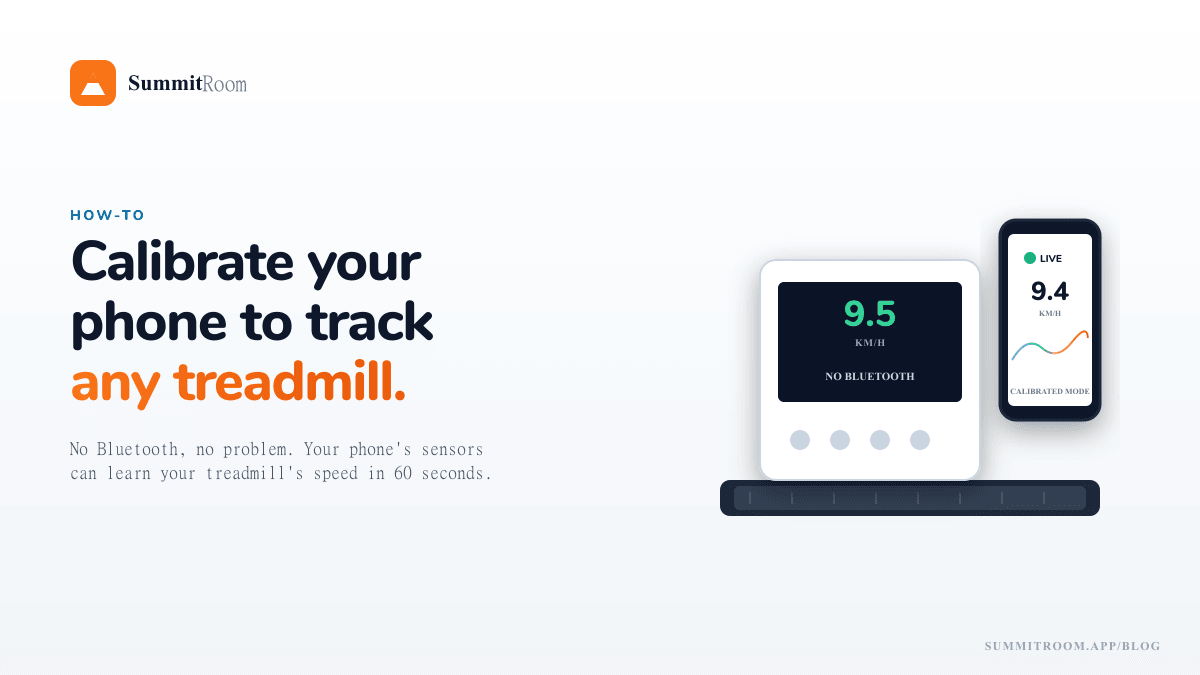
There's a quiet problem with modern indoor running: most of the cool apps assume you have a Bluetooth-capable smart treadmill. The Disney World marathon simulation, the auto-incline routes, the live 3D map — all unlocked by a treadmill broadcasting its speed and accepting incline commands.
But what if you're running on:
- The hotel treadmill on a work trip?
- A basement treadmill from 2014?
- Your apartment building's gym, where the treadmills are bolted to the floor and have a remote you don't trust?
You don't need new hardware. Your phone already has the sensors — and in about 60 seconds, you can teach the app exactly how your treadmill behaves.
This is called Calibrated Mode.
How it works (the 30-second version)
Your phone's accelerometer feels the vibration of the treadmill belt under your feet. The vibration frequency is directly proportional to belt speed — faster belt, faster footstrikes, higher frequency.
The challenge is that every treadmill is slightly different. Belt material, deck stiffness, your weight, your stride length — all change the vibration signature. So you do a quick calibration run that tells the app, "at this vibration pattern, my treadmill is going 8.0 km/h." After that, the app can infer your speed from vibration alone, no Bluetooth needed.
It's the same principle a Stryd footpod uses, except you don't have to buy a Stryd footpod.
What you'll need
- Your phone (any iPhone or Android made in the last 7 years)
- A treadmill (literally any treadmill — even mechanical / non-motorized works)
- A way to securely place your phone on the treadmill console or in a tight arm strap
That's it. No Bluetooth required. No footpod required. No subscription to anything.
Step-by-step: calibrating in SummitRoom
The flow takes about a minute end-to-end. You only have to do it once per treadmill — the app remembers each profile.
1. Set your treadmill to a steady, known speed
Pick something comfortable you'll hold for at least 30 seconds without changing. 9 km/h or 5.5 mph is a good calibration speed because it's a typical jog and the vibration is clearly distinguishable.
Don't pick walking speed (vibration is too low) or sprint speed (you'll be too tired to hold it steady).
2. Mount your phone
Console-mounted is best (lowest vibration noise). Arm strap works if your treadmill has no console shelf. Avoid: holding the phone in your hand (your arm swing pollutes the signal), or putting it on the moving belt itself (it'll fly).
3. Open SummitRoom → Connect → Calibrated Mode
You'll see a calibration screen with a single big "Start Calibrating" button.
4. Tap Start, run for 30 seconds at your known speed
The app collects accelerometer samples and builds a fingerprint. There's no visible feedback yet — just keep running steady.
5. When prompted, enter your treadmill's actual speed
The app asks: "What does your treadmill display right now?" Type the number from the console — 9.0 km/h or 5.5 mph or whatever you set.
That's it. The fingerprint is saved as a treadmill profile, named whatever you want ("Basement", "Hotel", "Building Gym").
6. Use it for every future run
Next time you run on the same treadmill, you pick the profile and skip the calibration. The app shows live speed inferred from vibration — usually within ~0.2 km/h of the console reading once warmed up.
What about incline?
Calibrated mode is speed-only. The phone has no way to know your treadmill's incline because there's no vibration signature for tilt — it's a static geometry change.
For virtual route runs in calibrated mode, the app shows you the target incline at every elevation change and asks you to set it on the console manually. You hit the +/− buttons; the app pretends you did.
You lose the magic of auto-incline, but you still get the route, the live 3D map, the splits, the pace coaching, and the Strava upload.
Accuracy: what to expect
Real-world results on SummitRoom's calibrated mode:
- Speed: typically within ±0.2 km/h once the profile is established. Better than most footpods (which usually drift to ±0.4 km/h).
- Distance over a 5K: typically within 50–100 metres of the treadmill's own readout.
- Pace: smooth at steady states; slight lag on sudden speed changes (~3–5 second window before the new vibration pattern is detected).
For training runs and virtual route simulations, this is plenty accurate.
For a race-effort time trial where you care about exact pace per kilometre, a footpod or BT treadmill is still the gold standard. But for "I want to run Pikes Peak on this gym treadmill", calibrated mode is more than enough.
Common gotchas
"It thinks I'm running faster than I am"
Your phone's vibration baseline shifted — maybe you re-mounted it more tightly, or the treadmill is on a different floor with different stiffness. Recalibrate (takes 60 seconds).
"It thinks I'm running slower than I am"
Most likely your phone shifted in its mount and is absorbing some vibration. Tighten the strap or move to a console mount.
"It doesn't detect my speed at all"
Confirm motion permissions are granted to the app (iOS asks once on first use, Android asks the first time you start a calibrated run). On older Android phones, also check that the app has background sensor access enabled.
"The console shows a different speed than the app"
Slight differences are normal — both are estimates. The treadmill console measures motor RPM × belt circumference, which has its own ~2-3% error. The app measures vibration frequency. They'll converge within ~0.2 km/h after the warmup. If they diverge wildly, recalibrate.
TL;DR
- Your phone's accelerometer can track treadmill speed without Bluetooth.
- A 60-second calibration teaches the app your specific treadmill's vibration signature.
- Works on any treadmill — old, new, hotel, mechanical, doesn't matter.
- Speed accuracy is ~±0.2 km/h once calibrated. Excellent for virtual route runs.
- You still set incline manually (the app prompts you), but you keep everything else.
Try Calibrated Mode in SummitRoom's free tier — no signup required for the demo, no hardware required for the real thing.
Try SummitRoom yourself
Turn any treadmill into a virtual run through Disney, Boston, Pikes Peak. Free to start, no install.
▶ Try the 1-minute demo